
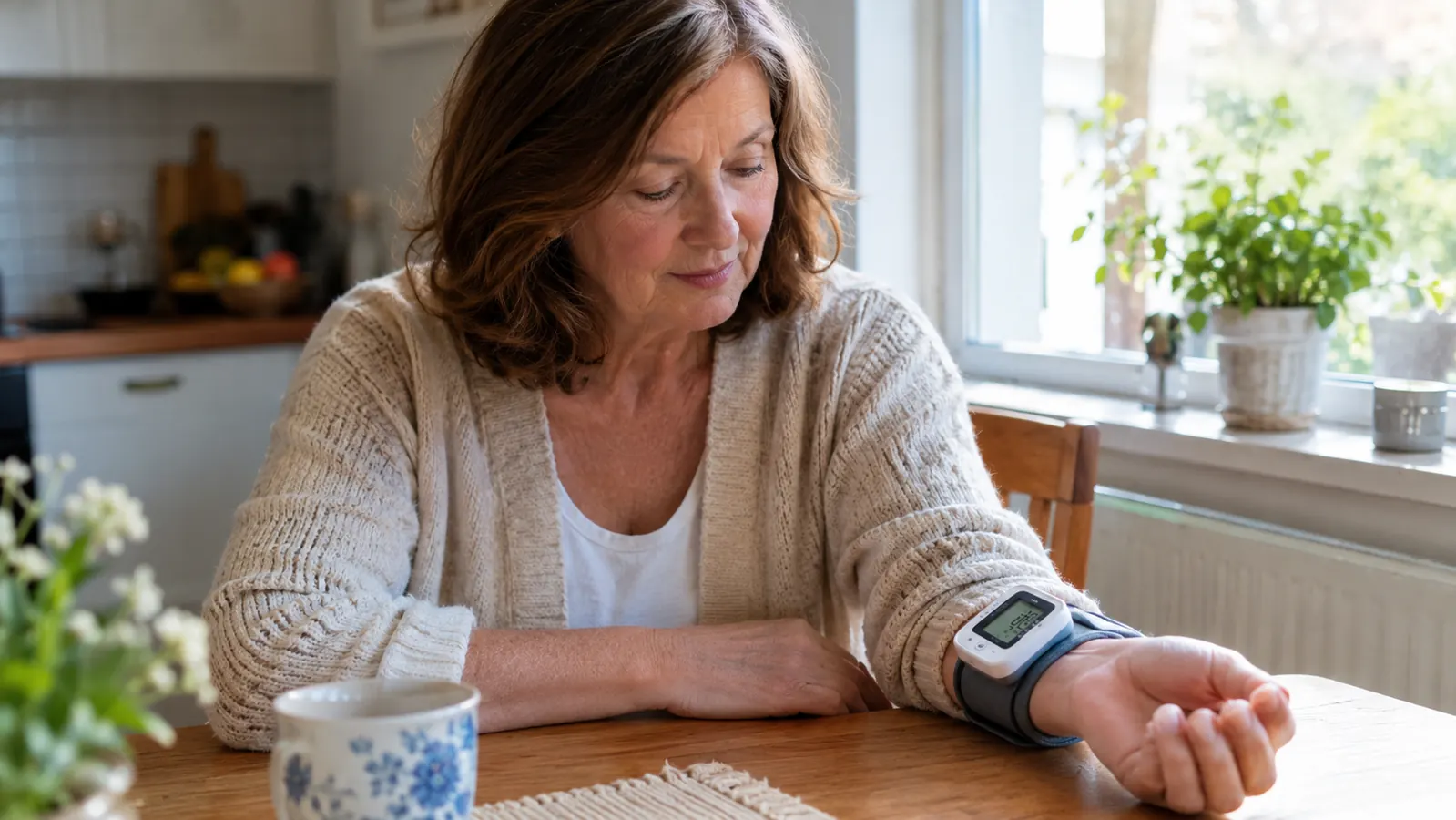
About two and a half years ago, my doctor looked at the reading in her office, then looked at me, and asked me to take readings at home twice a day for a few weeks and bring her a log. I said yes, of course. Then I went home and dug an old wrist monitor out of the back of a drawer, a hand-me-down of unknown age, and spent a week getting readings that bounced around so much I almost gave up. High one morning, normal the next, higher again in the evening, and nothing about how I felt explained it. The problem was not the monitor. The problem was me, and specifically how I was positioning it.
A wrist blood pressure monitor is a small, clever device, but it is also a finicky one. The Omron Gold wireless wrist monitor I keep in my travel bag is a good example: it is easy to use, but it still demands to be positioned right. More than any upper-arm cuff I have used, a wrist monitor cares how it sits on your body. Put the band at the wrong spot, let your arm hang below your heart, or talk through the measurement, and the numbers will lie to you. Not on purpose, of course. The monitor is just doing what it is built to do. The trouble is that a wrist sits further from the heart than an upper arm, so small differences in height and position show up as real differences in the reading. Learn to position the monitor the same way every time, and the numbers settle down. That is what this article is about. I am not a doctor or a nurse. I am a retired middle-school librarian in Round Rock, Texas, who has been taking readings at home twice a day for about two and a half years, and I have learned a few things about doing it right.
The wrist monitor I trust enough to take on the road
The Omron Gold wireless wrist monitor has lived in my travel bag for about a year. It stores up to 200 readings for each of two users, syncs to the free Omron connect app over Bluetooth, and weighs about 3.2 ounces, so it never feels like baggage. Position it right and it is a steady, dependable partner. The steps below are exactly how I do it.
Amazon Check Today's Price on Amazon →The Five Steps That Fixed My Home Readings
Step 1: Sit the same way every time
Positioning starts before the monitor is even on your wrist. It starts with your body. I take my morning reading at the kitchen table in the same chair every day, with my feet flat on the floor and my back against the chair. I sit for five quiet minutes first, doing nothing but breathing. No phone, no radio, no conversation with Walt. Just sitting. That five minutes does more for steady readings than any feature on any monitor I own. Your body needs a moment to settle after you sit down, and your blood pressure needs the same. Skipping the quiet time is the most common mistake I see people make.
The evening reading gets the same treatment. I take it before dinner, not after, and at roughly the same time each night. Routine is the whole trick. When your body is calm and your surroundings are quiet, the reading reflects your blood pressure instead of the chaos of the day. If I have just walked in from the garden or carried groceries up the stairs, I wait until I am breathing normally again before I even sit down. Rushing a reading is the fastest way to waste one, and a wasted reading is worse than no reading because it muddies your log.
Travel makes this harder, but not impossible. When I visit my daughter in San Antonio, I find a chair with a back and a table that lets my arm rest flat, and I claim a quiet corner of the kitchen. The monitor does not care where you are. It only cares that you are still. That is the first and most important rule, and it is the one I broke for the first week with that old hand-me-down monitor. Once I started sitting properly and waiting out the five minutes, the readings started making sense.
Step 2: Put the cuff on before you raise your arm
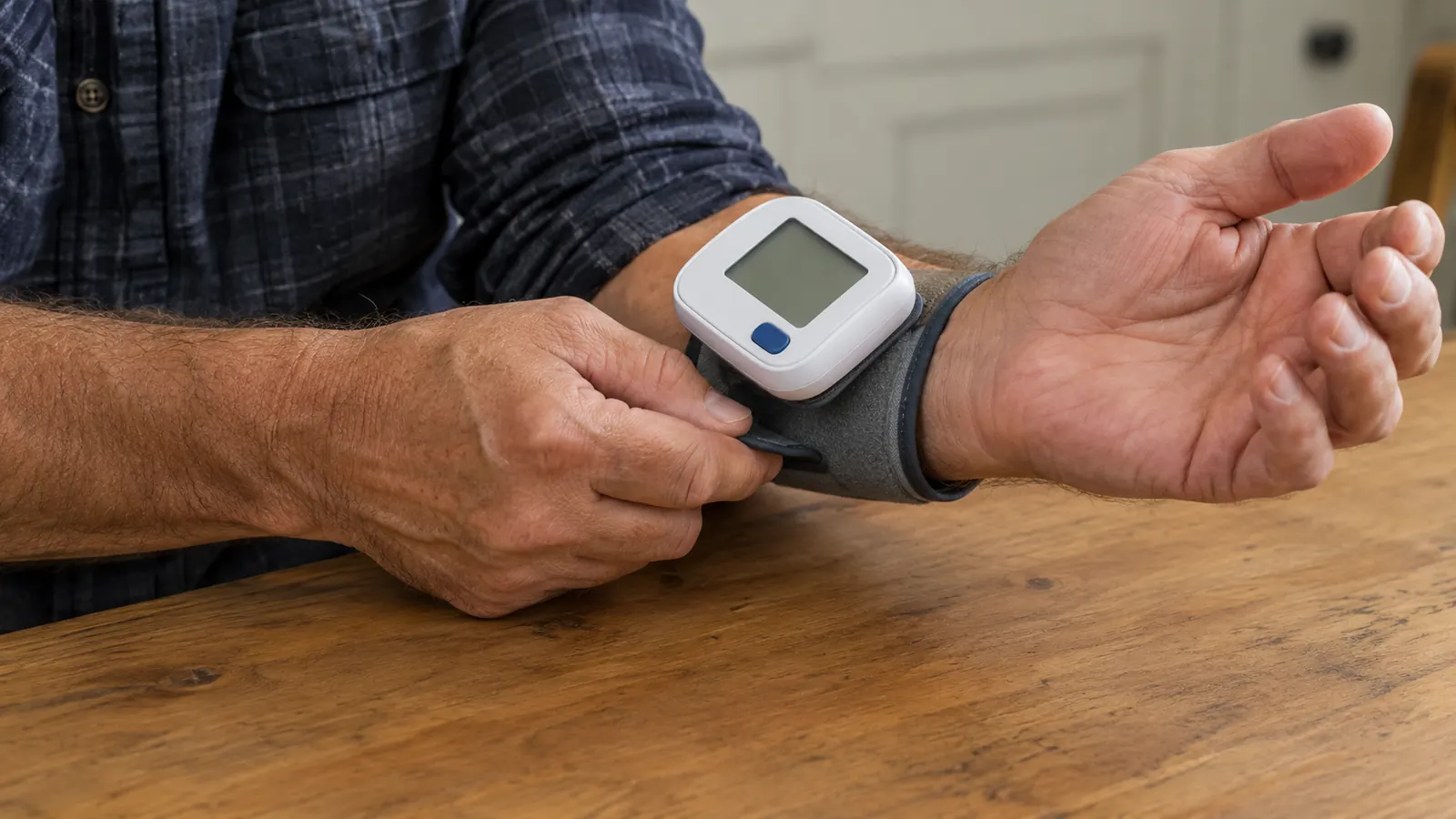
This sounds like a small thing, but it is the step most people get wrong. Wrap the band around your bare wrist before you lift your arm into position. If you put the cuff on while your arm is already resting on the table, you tend to pull the band tight against the table edge, and the fit comes out uneven. The band on the Omron Gold is about 8.5 inches around, which fits my wrist comfortably with room to spare. I wrap it with my arm hanging loose at my side, then bring the arm up to the table.
The fit should be snug but not tight. You should be able to slide one finger between the band and your skin, and no more. Too loose and the monitor reads soft, because it cannot feel the pulse clearly. Too tight and you are squeezing the very artery it is trying to measure, which pushes the numbers up. I learned this the hard way by strapping the band on like a watch I was afraid of losing. A snug fit, not a death grip, is what you want.
Bare wrist matters too. I take my watch off first and push my sleeve up past the wrist. A band over fabric shifts as you move, and that shift changes the reading. Bare skin, snug fit, and the band sitting about a finger's width up from the base of the hand. That is the whole fit. If you wear the band too close to the hand, the bones of the wrist get in the way, and if you wear it too far up the arm, you are measuring the forearm instead of the wrist.
Step 3: Rest your wrist at heart level
Here is the big one, the one that took me the longest to get right. A wrist monitor measures the pressure in the artery at your wrist, and that pressure changes with height. If your wrist hangs below your heart, gravity adds to the reading. If you prop it above your heart, the reading comes out low. The monitor wants your wrist at the same level as your heart, and it will not compromise on this. Nothing else you do matters as much as this one thing.
The easiest way to do this at home is the way I do it: sit at the kitchen table, rest your forearm flat on the table, palm facing up, and let the table do the work. For me, the table height lines up almost perfectly with my heart. If your table is higher or lower, add a folded towel or a thick book under your arm to bring the wrist up to heart level. Do not raise your shoulder to meet the table. Keep your shoulder relaxed and your arm supported, not hovering.
When I travel, I use a pillow from the hotel bed or a folded sweater to prop my arm. The goal is the same: wrist at heart level, arm supported, hand relaxed. If you are not sure whether your wrist is at heart level, rest your other hand on your chest and match the height. That is the position you want. I check this every single time, even at home, because it is so easy to slouch a little lower in the chair and drop the wrist an inch without noticing.

Step 4: Stay still and quiet while it measures
Once the monitor starts, do not move. Do not talk. Do not clench your hand or wiggle your fingers. I know how tempting it is to say something to Walt or to reach for my coffee, but every bit of movement shows up in the reading. The measurement takes only a short time, and the digital display shows the numbers when it is done. The whole thing is over before you know it, so it costs you nothing to sit still for those few seconds.
I also learned not to hold my breath. At first I would freeze, and my readings came out higher than they should have. Now I breathe normally, slow and easy, and I keep my hand relaxed, fingers slightly open. The monitor does the work. My job is simply to stay out of its way. If I feel the need to talk, I wait until the display shows the numbers. A conversation can wait thirty seconds. A reading you cannot trust is no good to anyone.
The Omron Gold shows the reading on its digital display and stores it automatically. It keeps up to 200 readings for each of two users, so Walt could use it too if he wanted, though at home he mostly borrows my upper-arm monitor. The monitor remembers what I used to scribble on scrap paper, and I can sync it to the free Omron connect app over Bluetooth whenever I open the app. That is a comfort when I am on the road and my paper log is at home in the kitchen drawer.
Step 5: Take the reading at the same time, and write it down
The positioning rules matter most when you follow them the same way every single time. I take my morning reading within an hour of waking, before coffee, and my evening reading before dinner. Same chair, same table, same arm, same five quiet minutes. When the routine is identical, the differences between readings mean something. When the routine changes, you can never tell whether a change in the numbers came from your body or from the way you sat.
Write the numbers down. I keep a paper log in the kitchen drawer, and I fill in the date, the time, both numbers, my pulse, and a short note about how I feel. The Omron Gold makes this easier because it stores the readings and syncs them to the Omron connect app, but I still keep the paper log because it is what I bring to my doctor. A stack of numbers in an app is useful. A page I can hand over and talk through is better.
One feature I have come to appreciate is the High Morning Average Indicator. My doctor specifically asked about morning readings, because morning spikes can matter. The Gold tracks that average for me and flags it on the display, which gives me something useful to mention at my next appointment. I do not interpret the numbers myself. I bring the log to my doctor, and she decides what they mean. That is the right division of labor, and it is worth repeating: a monitor measures, it does not treat, and your doctor is the one who reads the results.
What Else Helps
A few small things make every reading more reliable. Empty your bladder before you sit down. Skip coffee, tea, or a cigarette for at least thirty minutes beforehand. Sit in a quiet room at a comfortable temperature. And if you take more than one reading, wait a minute or two between them so your arm recovers. None of these are dramatic, but they all remove noise from the numbers.
I also compare my wrist monitor against my upper-arm monitor now and then, just to confirm they agree. If you are deciding between the two styles, my side-by-side comparison of wrist and upper-arm monitors walks through the tradeoffs, and my long-term review of the Omron Gold covers how it has held up over a year of travel and daily use. Walt, whose arm measures about fifteen and a half inches, prefers the upper-arm monitor with a large cuff at home, while I use the Gold on the road. Different bodies, different preferences, same rules about sitting still and keeping the cuff at heart level.
Once I got my wrist level with my heart and stopped talking through the measurement, my home readings stopped bouncing around and my doctor stopped squinting at my log.
Position it right, and a wrist monitor earns its place in your bag
The Omron Gold wireless wrist monitor has been in my travel bag for about a year, and it has never let me down once I learned to sit still and keep my wrist at heart level. If you are shopping for a wrist monitor, it is the one I would buy again. It stores 200 readings per user, syncs to the free Omron connect app over Bluetooth, and weighs about 3.2 ounces. Pair it with the five steps above and you will have readings you can actually bring to your doctor.
Amazon Check Today's Price on Amazon →