
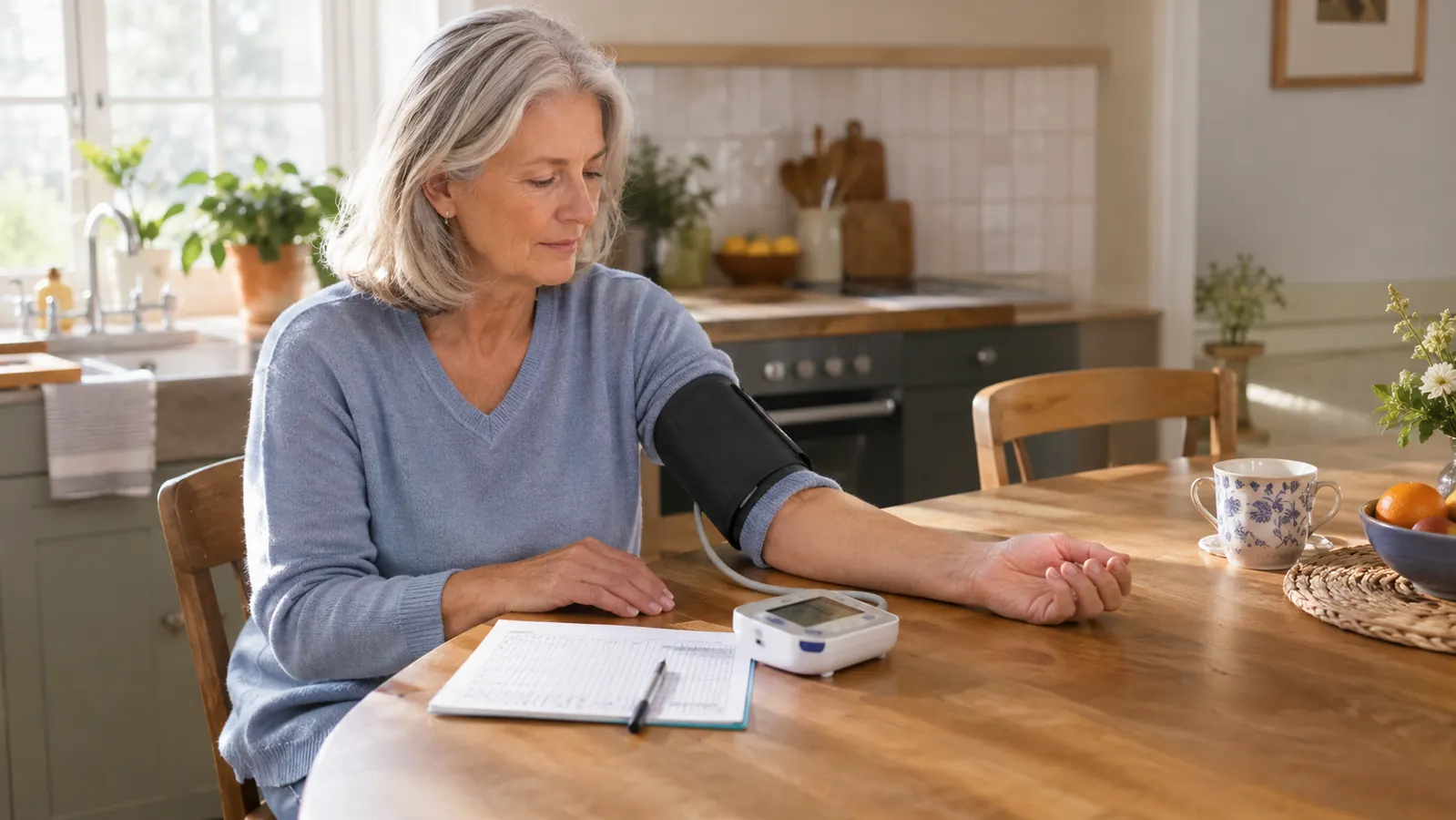
When my doctor asked me to take my blood pressure at home twice a day, I did not think much about which monitor I used. I bought a simple upper arm model, sat in the same chair at the kitchen table every morning, and wrote the numbers down on paper. That routine worked for over a year. Then I started to wonder if the numbers were doing me any good sitting in a notebook. My doctor wanted to see a log, and I was bringing one, but I was also forgetting to write things down on busy days. That is when I started looking at the Withings BPM Connect.
I have now used the Withings BPM Connect for about a year. I use it most evenings, and I still use my older OMRON Bronze most mornings. Sometimes I take one reading on each, one right after the other, just to see how they compare. I am not a doctor or a nurse, and I am not here to tell you what your numbers mean. Your doctor does that. A monitor measures. It does not treat, and it does not lower anything on its own. What I can tell you is what it is like to live with this monitor, what surprised me, what annoyed me, and what I wish someone had told me before I bought it.
The Quick Verdict
A comfortable, well-made upper arm monitor that makes home readings feel organized, but only worth the higher cost if you will actually use the app and the wireless sync.
Amazon Check Today's Price →Want the short version? It is the most organized monitor I have used.
If you want your home readings to show up on your phone without you doing anything, the Withings BPM Connect does that better than anything I have tried. It is not the cheapest way to check your blood pressure, and it is not for everyone. But for a person who wants a tidy log without thinking about it, this is the one I reach for in the evening.
Amazon Check Today's Price on Amazon →How I've Used It
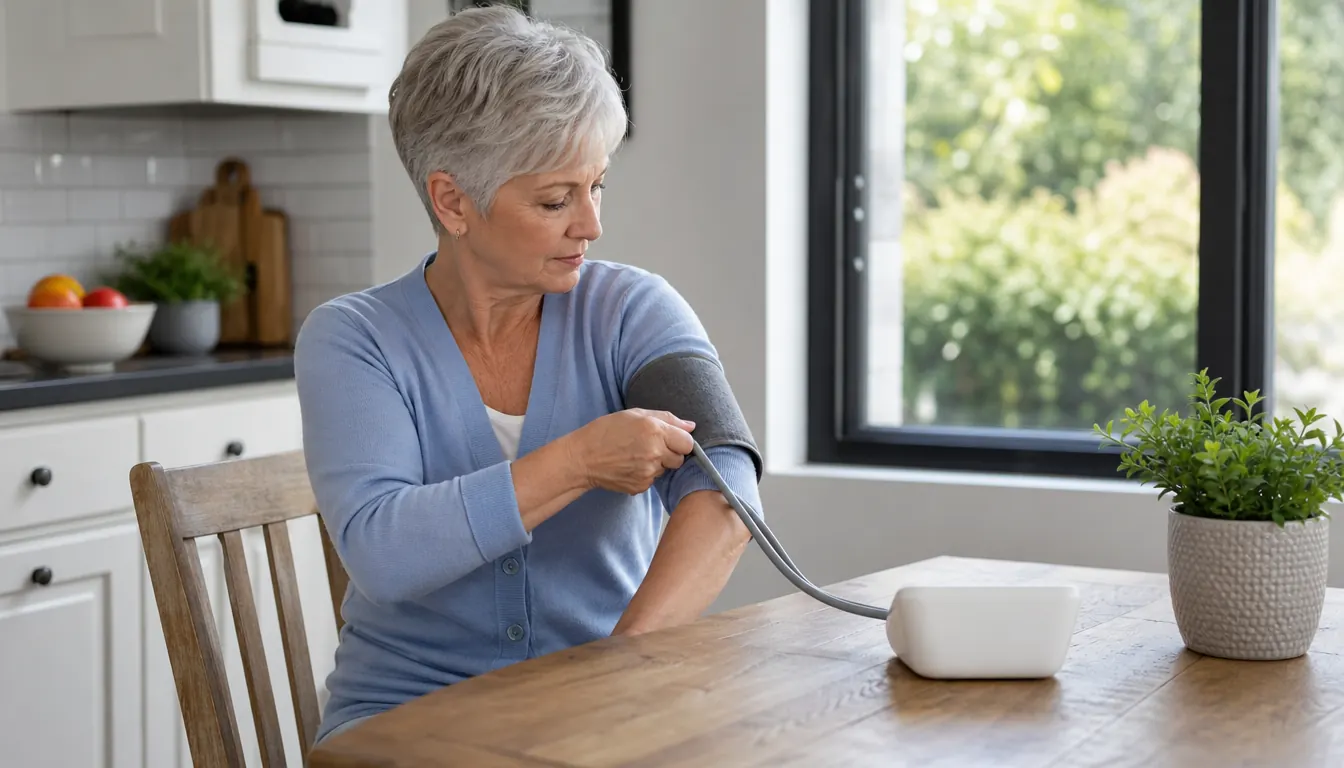
For the past year, the Withings BPM Connect has lived on the kitchen counter next to my paper log book. My routine is the same almost every evening: I sit in the same chair, feet flat on the floor, arm resting on the table at heart level, and I wait a few quiet minutes before I take a reading. I wrap the cuff around my upper left arm, settle in, and wait for the LCD display to settle. The whole thing takes less time than making a cup of tea, and it has become as ordinary as setting the table.
The band fits my arm easily. My upper arm measures about 11 inches, and the cuff is made for arms from 22 to 42 centimeters, so it has plenty of room to spare. Walt, my husband, has an arm of about 15 and a half inches, and he has borrowed it a few times. It fits him too. That matters more than I expected. A cuff that is too tight or too loose gives readings you cannot trust, and this one is comfortable for both of us without a lot of fiddling.
I keep my paper log in the kitchen drawer, and I also let the monitor send readings to the Health Mate app. I was skeptical about the app at first. I am not a person who needs another app. But after a year, I will admit that the wireless sync is the reason I keep reaching for this monitor in the evening. It is not that the app does anything complicated. It is that the reading is saved before I have time to lose the scrap of paper I was going to write it on.
What the Withings BPM Connect Does Well
The first thing I noticed was the display. It is an LCD display, and it gives color-coded feedback after each reading. I do not want to overstate this. It does not tell you what to do, and it does not replace your doctor. But it does make the result easy to read at a glance, which matters when you are sitting at the table first thing in the morning or after a long day. I like that I do not have to put on my reading glasses to tell whether a reading is in a normal range. The color-coded feedback does that for me.
The second thing is the sync. The monitor is battery powered and it connects over Wi-Fi and Bluetooth to the Health Mate app. Once I paired it, I did not have to think about it. Readings show up on my phone without me writing them down first. That sounds small, but it changed my habit. When I used only a paper log, I would sometimes forget to write a reading down if the phone rang or the kettle boiled. With this monitor, the reading is saved before I have even finished putting the cuff back in the box.
The third thing is the build. The monitor weighs 12.8 ounces, so it has a solid feel without being heavy. It comes with a charger, and the manufacturer backs it with a two-year warranty. I have dropped it once, and it has been fine. I cannot say that about every gadget I own. The stainless steel parts have not shown any wear, and the cuff still feels snug and secure after a year of regular use.
What I Liked
- Readings sync to the Health Mate app over Wi-Fi and Bluetooth without me doing anything
- LCD display with color-coded feedback is easy to read at a glance
- Cuff fits a wide range of arm sizes, from my 11-inch arm to Walt's larger arm
- Battery powered and light at 12.8 ounces, with a two-year warranty
- FDA cleared, with stainless steel details that feel well made after a year of use
Where It Falls Short
- Costs more than a basic monitor, and the extra cost only makes sense if you use the app
- Requires setting up an account and pairing the sync, which is not for everyone
- The reading does not appear in the app instantly; you have to wait a few seconds
- No built-in guidance about posture or timing; you still have to bring your own routine
What Nobody Tells You About the App and Sync
Here is the honest part. The app is useful, but it is not magic. You have to set it up, create an account, and let it do its thing. If you are not comfortable with apps, or if you do not want your health data on your phone, this monitor is going to annoy you. The sync is the whole reason to pay more for this model, so if you are not going to use it, you are paying for something you do not need.
There is also a rhythm to the sync that took me a while to understand. The monitor does not send the reading the instant the cuff finishes. It sends it when it is ready, and sometimes that means waiting a few seconds while the display settles. At first I found myself staring at the screen and wondering if it had worked. It had. The reading was in the app. I just needed to be patient.
Another thing nobody tells you: the app is only as good as your habit. If you take a reading sitting on the edge of the bed with your arm at your side, the app will faithfully record that reading, and it will look just as important as the careful one you took at the kitchen table. The monitor measures. It does not judge your posture. You have to bring the good habits, and you have to bring the log to your doctor.
After a year of evening readings, I have stopped double-checking the app. The reading is just there, and that is the whole reason I reach for this monitor.
What I Wish I Had Known Before Buying
I wish someone had told me that the setup would take me longer than I expected. It is not difficult, but it is not instant. You need your Wi-Fi network name and password, you need to create an account, and you need to be patient while the monitor and the app find each other. I am comfortable with technology, and it still took me about twenty minutes. If you are not comfortable with technology, budget more time or ask someone to help.
I also wish someone had told me that the monitor would change my evening routine in a good way. I used to put off the reading because I did not want to find the notebook and the pen and remember where I left off. With this monitor, I sit down, take the reading, and it is done. The app keeps the list, and I still write the numbers in my paper log for my doctor. The two logs do not fight each other. They just both exist.
And I wish someone had told me that the color-coded feedback would become the thing I rely on. I know I am not supposed to diagnose myself, and I do not. But when the display gives me a clear signal, I feel more settled. It is a small thing, and it is hard to describe until you live with it.

How It Compares to What I Already Own
I still own the OMRON Bronze that I bought when my doctor first asked me to take home readings. I use it most mornings. It is a perfectly good monitor, and it does the job without any fuss. The difference is what happens after the reading. With the Bronze, I write the numbers in my paper log. With the Withings, the numbers go to the app on their own. For me, that difference is the whole story.
I also have an OMRON Gold wireless wrist monitor that I keep in my travel bag for trips to San Antonio. At home, I prefer an upper arm monitor. The Withings is an upper arm monitor, and the cuff is the part that feels most different from the wrist unit. It takes a little more time to put on, but the readings feel steadier to me. That is not a medical opinion. It is just what I notice when I use both.
Walt has borrowed the Withings a few times, and he mostly uses the OMRON Bronze with the ComFit cuff we bought for him. He does not have strong opinions about monitors. He just wants to know his numbers and get on with his day. The Withings works for him too, which tells me the cuff size range is generous. If you are buying for a household with different arm sizes, that is worth knowing.
The Routine That Works for Me
After a year, I have settled into a routine that feels steady. I take the Withings reading in the evening, usually around the same time, after dinner but before I get too sleepy. I sit in the same chair, feet flat, arm resting on the table at heart level, and I give myself five quiet minutes first. I do not talk, I do not have the television on, and I do not check my phone. The monitor does its part. I do mine.
I write the reading in my paper log right away, even though the app has it. That sounds redundant, and it is, but it is the habit my doctor asked me to build, and it is the habit I have kept. The paper log lives in the kitchen drawer, and it goes with me to every appointment. The app is the backup that I do not have to think about. Between the two, I have not lost a reading in months.
One more thing: I do not take a reading when I am upset, rushed, or just back from a walk. I learned early on that those readings do not look like my usual ones, and they made me worry for no reason. My doctor told me to take readings at rest, and that is what I do. If a reading seems off, I wait a few minutes and take it again. I do not panic. I just bring the log to my doctor and let her interpret it.
Who This Is For
Buy the Withings BPM Connect if you are the kind of person who will actually open the app. If you already track your steps or your sleep on your phone, this will fit right in. It is also a good choice if you bring a log to your doctor and you want that log to be complete without relying on your memory. I bring my paper log to every appointment, and I also show my doctor the app. Having both has made me feel more organized, and I am a person who likes being organized.
It is also a good choice if you share a monitor. The cuff fits a wide range of arms, and Walt has borrowed it without any trouble. I cannot tell you how the app handles multiple users because I have not needed to set that up. I just know the cuff fits us both, and that is enough for our house. If you are buying for one person with an average arm, you will have no trouble at all.
My doctor has never asked me to bring a specific brand of monitor. She asks me to bring a log, and she cares more about the habit than the gadget. I tell her which monitor I use, and she looks at the numbers. The Withings has made it easier for me to show up with a complete log, and that is the part that matters to her. A monitor is a tool. The habit is the part that matters.
Who Should Skip It
Skip the Withings BPM Connect if you do not want another app in your life. There is nothing wrong with a paper log. I still keep one, and my doctor is happy with it. If you are not going to use the wireless sync, you can buy a simpler upper arm monitor and save the difference. The extra cost of this monitor is really the cost of the app and the sync.
Skip it also if you want a monitor you can use without reading the instructions. The setup is not hard, but it is not nothing. You have to create an account, connect the monitor to your Wi-Fi, and pair it with your phone. If that sounds like a chore, this is not the monitor for you. My advice is simple: only buy this one if you want the numbers to leave the monitor on their own.
If you already have an upper arm monitor that works and you are happy with your paper log, you do not need this one. I kept my OMRON Bronze for mornings, and I could have kept using it for everything. The Withings is not a medical necessity. It is a convenience. Buy it because you want the convenience, not because you think you have to.
The honest bottom line: buy it for the sync, not for the cuff.
If you already have a blood pressure routine and you are tired of copying numbers into a notebook, the Withings BPM Connect is the most dependable way I have found to make the readings useful. If you are not going to use the app, save your money and buy a simpler monitor. For me, the evening reading goes to the app on its own, and that is worth it.
Amazon Check Today's Price on Amazon →